Premium drones are built for stability, precision, and reliability. And when it comes to consumer and prosumer drones, DJI dominates the market.
But even high-end equipment isn’t immune to rare glitches.
While most users experience flawless performance, some encounter unusual remote controller bugs that aren’t widely discussed. These issues may seem small at first — but during flight, even minor control inconsistencies can become serious problems.
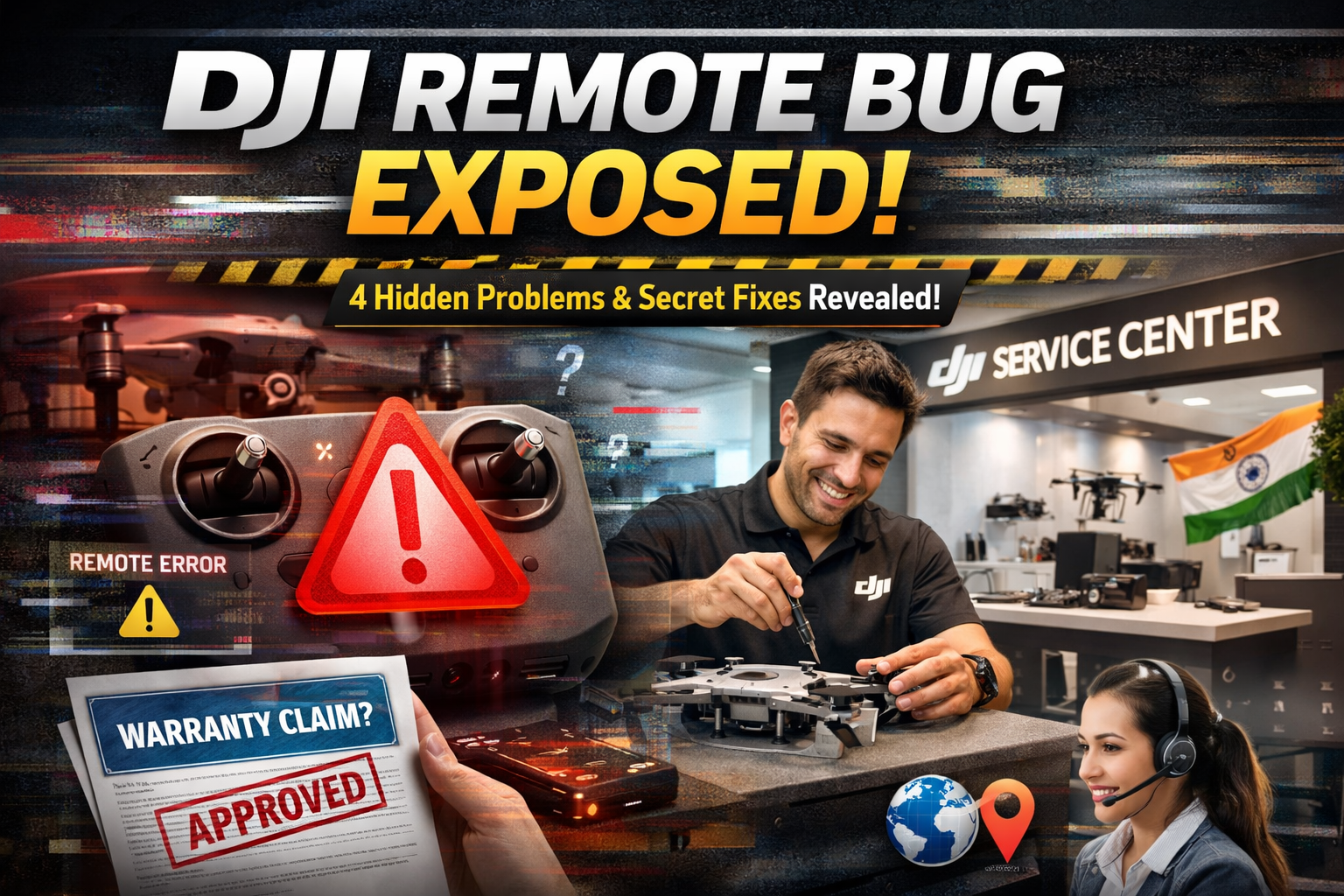
If you own a DJI drone, this guide breaks down four hidden remote controller problems, the smart fixes you can try, and what you need to know about warranty coverage.
🚁 Why DJI Remote Issues Matter
Your remote controller is the brain-to-drone connection.
It handles:
- Flight direction
- Camera controls
- Return-to-home commands
- Signal transmission
- Emergency maneuvers
If something behaves unpredictably, your drone’s safety is at risk.
Let’s uncover the most elusive problems.
1️⃣ 👻 “Ghost Stick” Phantom Movement
The Problem
Your drone drifts left, right, forward, or backward — even though you’re not touching the joystick.
This is one of the most alarming experiences a pilot can have. The drone appears to move on its own, creating panic mid-flight.
Why It Happens
There are two common causes:
- Over-sensitive stick sensors (potentiometers or hall sensors)
- Firmware miscalibration or signal drift
DJI remotes rely on precision analog inputs. If sensor readings become slightly unstable, the controller may interpret micro-volt changes as actual movement.
In rare cases, firmware updates can also cause calibration mismatches.
Smart Fixes
✅ Stick Rotation Reset
- Turn on the remote.
- Rotate both sticks in full circles for 30 seconds.
- Restart the remote.
- Perform stick calibration in the DJI Fly app.
This resets sensor alignment.
✅ Full Firmware Reinstall
Use DJI Assistant 2 to:
- Connect the remote via USB
- Reinstall firmware (not just update — reflash fully)
A complete reinstallation often resolves phantom signal readings.
2️⃣ 🔇 “Silent Disconnect” Audio Bug (DJI RC / RC Pro)
This issue mainly affects Android-based DJI controllers like:
- DJI RC
- DJI RC Pro
The Problem
The video feed works.
The drone responds.
But warning sounds and alert beeps stop working.
You receive no audio alerts for:
- Low battery
- Weak signal
- Obstacle warnings
This is dangerous because audio alerts are critical during flight.
Why It Happens
DJI RC controllers run a modified Android system.
Sometimes:
- Audio drivers conflict
- System UI audio service freezes
- Bluetooth audio toggling causes glitches
The result? Silent warnings.
Smart Fixes
✅ Go to:
Settings → Apps → System Apps
Force Stop “Audio” or “System UI”
Clear cache
Then restart the controller.
✅ Toggle Bluetooth ON/OFF rapidly 4–5 times.
This refreshes audio routing.
In most cases, these steps restore warning sounds instantly.
3️⃣ 🎛️ “Sticky Button” Command Lock
The Problem
You press:
- C1 or C2 shortcut button
- Record button
- Photo capture
But after releasing it, the command stays active.
For example:
Recording continues unexpectedly.
Shortcut function repeats.
Menu stays stuck.
Why It Happens
The firmware occasionally misreads button release signals.
It interprets the press but fails to detect the release event — creating a “virtual stuck” condition.
This is usually not hardware damage, but signal desynchronization.
Smart Fixes
✅ Rapidly press the affected button 10–15 times.
This forces the firmware to re-detect signal changes.
✅ Close and reopen the DJI Fly app.
App restart resynchronizes controller inputs.
If the issue persists across sessions, perform firmware reinstallation via DJI Assistant 2.
4️⃣ 🔋 “Charger ID” Battery Drain Mystery
The Problem
Your remote is plugged in.
But battery percentage slowly drops instead of charging properly.
Or charging seems unusually slow.
Why It Happens
Modern DJI controllers include power management chips that identify charger wattage.
Sometimes:
- High-watt fast chargers confuse the chip
- Power delivery negotiation fails
- Charging switches between modes incorrectly
The controller may enter a protective low-charge state.
Smart Fixes
✅ Use a lower-watt charger (15W–18W) temporarily.
Avoid ultra-fast laptop chargers during troubleshooting.
✅ Turn off the remote completely before long charging sessions.
This ensures stable charging mode detection.
After 1–2 full charge cycles, behavior usually normalizes.
🛡️ Warranty Truth: Will DJI Cover It?
Now the big question.
If your DJI remote has one of these problems — are you protected?
Here’s the reality.
✅ Usually Covered Under Warranty
DJI typically covers:
- Internal component defects
- Hall sensor failure
- Power management chip malfunction
- Firmware corruption (non-user caused)
- Manufacturing defects
If diagnostics show factory-origin fault, DJI often repairs or replaces the controller.
❌ Not Covered Under Warranty
You’re unlikely to get coverage if damage is caused by:
- Drops or impact damage
- Water exposure
- Unauthorized repairs
- Physical modification
- Third-party battery damage
Always avoid opening the controller yourself — this voids warranty immediately.
When Should You Contact DJI Support?
Contact support if:
- Ghost stick persists after recalibration
- Audio warnings never return
- Battery drain continues across chargers
- Buttons feel physically stuck
Provide:
- Flight logs
- Firmware version
- Serial number
- Video proof if possible
Clear documentation speeds up replacement approval.
Preventive Maintenance Tips
To reduce remote issues:
✔ Keep firmware updated (but wait 1–2 weeks after major releases to avoid early bugs)
✔ Store remote in dry environment
✔ Avoid extreme heat exposure
✔ Calibrate sticks every few months
✔ Use certified charging cables
Preventive care dramatically lowers glitch risk.
The Bigger Picture: Why These Bugs Feel “Hidden”
DJI rarely promotes these issues publicly because:
- They affect a small percentage of users
- Most are firmware-related and fixable
- Hardware failure rates are low
However, drone communities and experienced pilots occasionally report these rare behaviors.
They’re not widespread — but they’re real.
Understanding them makes you a smarter pilot.
Final Thoughts 🚀
Even premium products from DJI can experience rare glitches.
The key difference between a casual user and a smart operator is knowing:
- What the issue is
- Why it happens
- How to fix it
- When warranty applies
These four hidden DJI remote problems:
👻 Ghost Stick Drift
🔇 Silent Audio Bug
🎛️ Sticky Button Lock
🔋 Charger ID Battery Drain
…are usually fixable without panic.
Most don’t mean your controller is “broken.”
But ignoring them could compromise safety mid-flight.
Stay informed.
Calibrate regularly.
Monitor behavior.
And when in doubt — contact DJI support before attempting risky repairs.
Because when you’re flying hundreds of feet in the air, reliability isn’t optional.

Leave a Reply