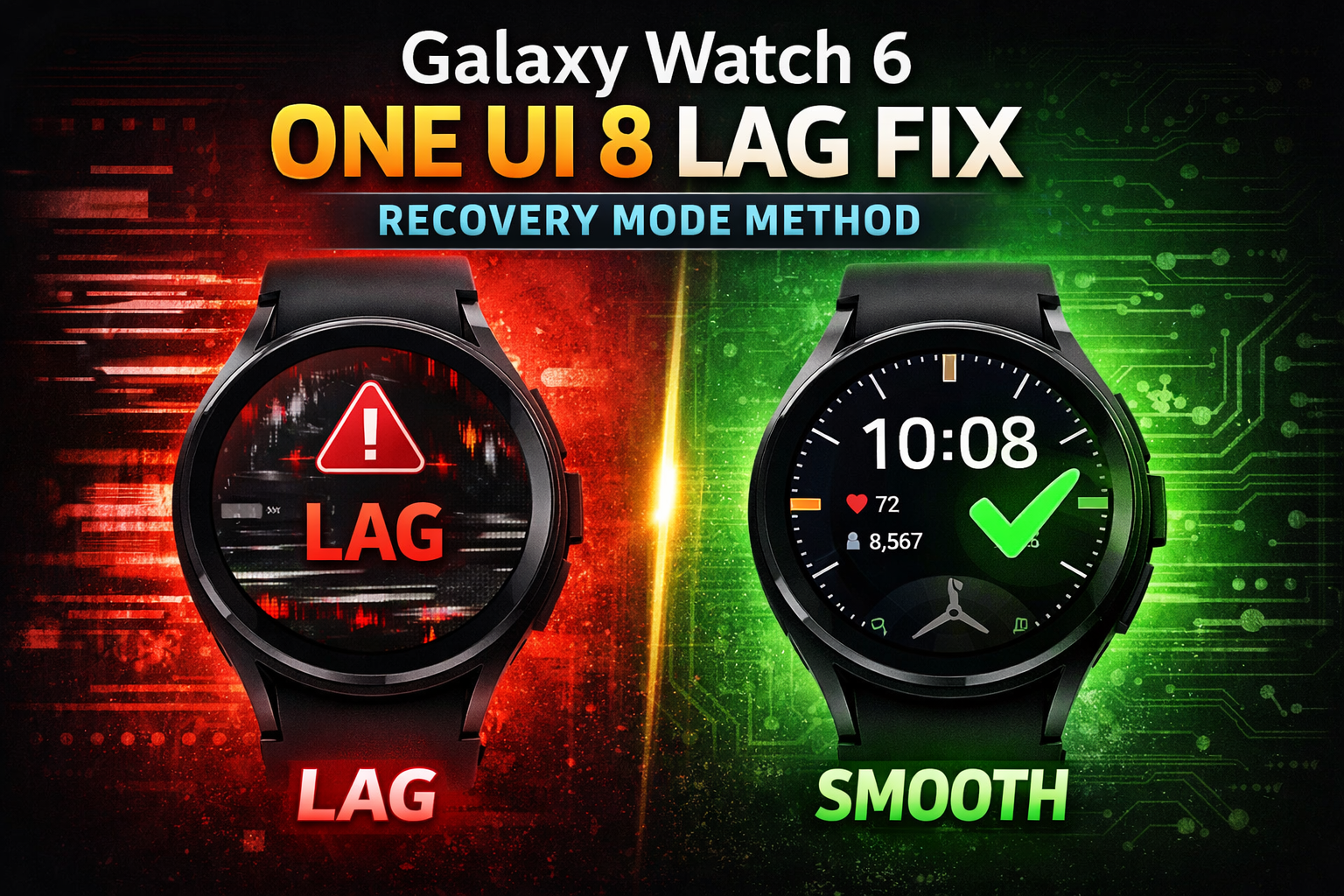
⚠️ The Problem: Why Your Galaxy Watch 6 Feels Laggy
After updating to One UI 8, many users notice:
- UI stutters when swiping or scrolling
- Slow app launches
- Delayed response from tiles and widgets
- Animation frame drops
Most users try simple reboots, but that doesn’t remove deep system conflicts or cache corruption caused by the One UI 8 update.
This is why your Galaxy Watch 6 may feel sluggish, even if storage is available and apps aren’t running heavily.
🛠 The Hidden Solution: Full System Recovery Method
This rarely-discussed method is designed to:
- Remove residual update cache
- Rebuild internal system optimization
- Restore your watch to brand-new performance
Warning: This process wipes all data. Backup your watch before proceeding.
Step 1: Access Recovery Mode
- Long-press the Power / Switch On button until the watch shows Reset options.
- Click Recovery to enter Developer Options.
Step 2: Wipe Cache Partition
- In Developer Options, select Wipe Cache Partition.
- Confirm the action.
- This removes corrupted temporary files that cause stutter and lag.
Step 3: Factory Reset (Deep Refresh)
- In the same Developer Options menu, select Wipe Data / Factory Reset.
- Confirm the reset.
- This clears old system optimization files left by the One UI 8 update.
Step 4: Reboot and Rebuild
- After the reset, go back to Developer Options.
- Select Reboot System.
- Set up your watch again.
- Your watch now runs smoothly like a brand-new device, with animations and apps performing at peak speed.
💡 Why This Method Works (Technical Insight)
After major updates like One UI 8:
- Old ART runtime cache can mismatch the new system layer
- Residual update data can cause background conflicts
- System-level optimization tables may not rebuild automatically
By performing a cache wipe + factory reset:
- Old conflicting system files are removed
- New optimization data is rebuilt cleanly
- UI, apps, and tiles run smoothly
This is a step rarely mentioned in public guides, giving your watch a “like-new” experience in minutes.
✅ Optional Extra Performance Boost
- Disable unused background apps
- Use lightweight watch faces
- Reduce unnecessary animations in Developer Options

Leave a Reply