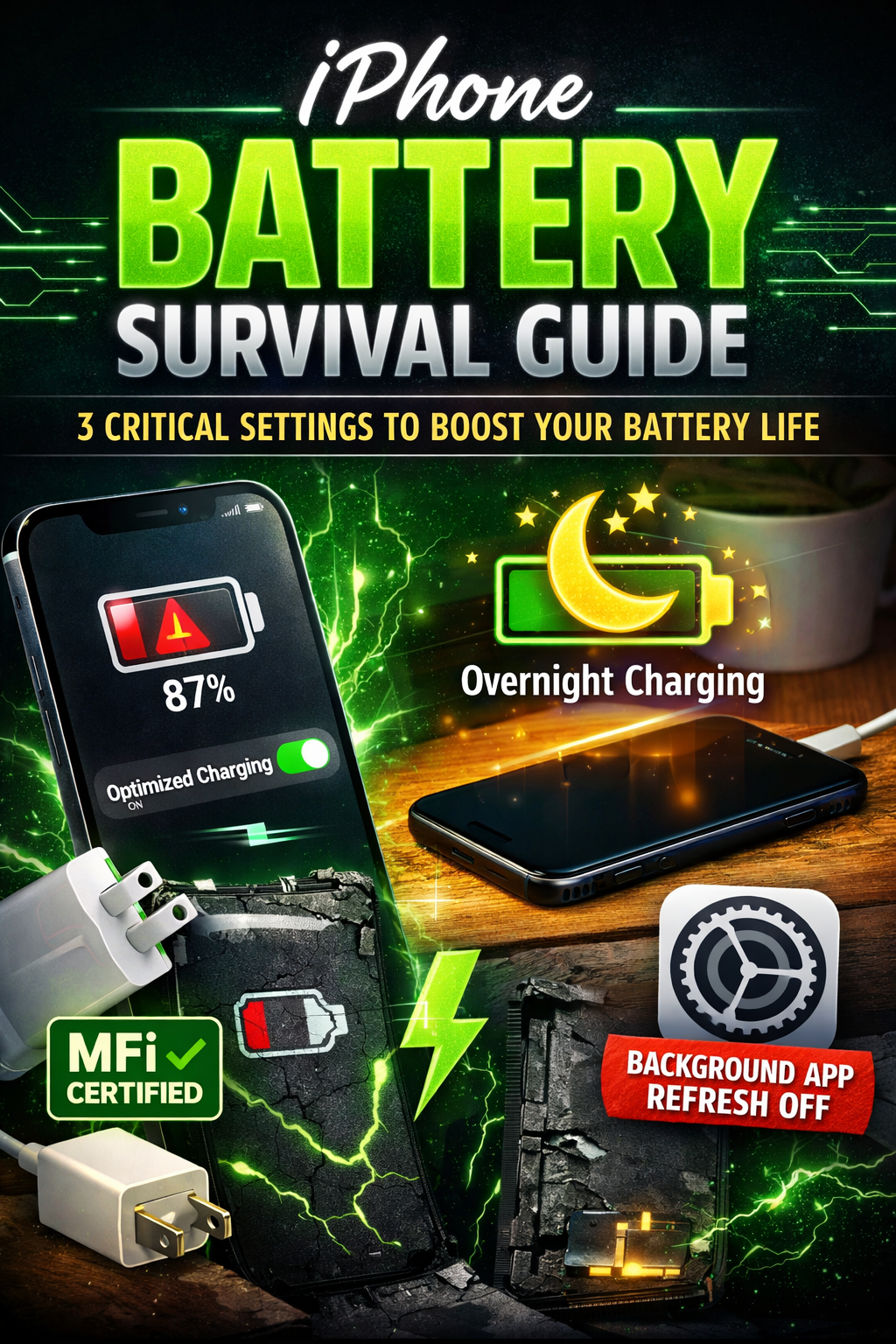
🔋 iPhone Battery Health Survival Guide
Is your iPhone battery health dropping faster than expected? 😟
You check Battery Health, and it’s already at 92%… 89%… maybe even lower within a year.
Before you panic or think about replacing your battery, here’s the truth:
Battery health doesn’t collapse overnight.
It declines because of small, repeated daily habits.
The good news?
You can slow down battery aging significantly with just three powerful settings and usage adjustments — no apps, no complicated tweaks, no risky tricks.
Let’s fix it step by step 👇
⚡ 1️⃣ Stop Using Random Fast Chargers (Use Certified Only)
The Hidden Damage Most Users Ignore
Not all chargers are equal.
Many people use:
- Cheap fast chargers
- Unknown brand adapters
- Low-quality cables
- Old high-watt Android chargers
While your iPhone may charge “faster,” internally your battery could be under stress.
Lithium-ion batteries — the type used in every iPhone — are sensitive to:
- Voltage fluctuations
- Overheating
- Unstable current delivery
When power isn’t regulated properly, your battery chemistry degrades faster.
Why Cheap Chargers Are Risky
Using uncertified chargers can:
⚠️ Cause overheating
⚠️ Increase charging cycle stress
⚠️ Trigger micro-voltage instability
⚠️ Reduce long-term battery capacity
Even if your phone doesn’t show an immediate warning, long-term chemical stress builds up.
What You Should Use
✅ Original Apple adapter
✅ Certified high-quality USB-C cable
✅ Reputable brand power bricks
✅ Proper wattage (avoid extreme overpowered chargers unnecessarily)
The key is stable, regulated power — not maximum speed at all costs.
Remember: Fast charging creates more heat.
Heat is the biggest enemy of battery health.
If you don’t urgently need fast charging, standard charging is healthier long-term.
🌙 2️⃣ Turn On Optimized Battery Charging (Especially Overnight)
If you charge your phone overnight, this setting is critical.
Many users plug in at 11 PM…
Wake up at 7 AM…
That means the phone stays at 100% charge for hours.
And here’s the science:
Lithium-ion batteries experience the most stress when:
- They stay at 0%
- They stay at 100%
- They operate under high heat
Keeping a battery at full charge for long durations accelerates chemical aging.
What Optimized Battery Charging Does
📍 Go to:
Settings → Battery → Battery Health & Charging → Enable Optimized Battery Charging
This feature, built into iOS, learns your daily routine.
Here’s how it works:
- Charges normally up to 80%
- Pauses charging
- Waits based on your usage pattern
- Completes the final 20% just before you wake up
This reduces the time your battery spends at 100%.
Less stress = slower degradation.
Why This Is So Powerful
Most people lose battery health due to:
- Overnight charging habits
- Daily full 100% hold time
- High-temperature environments
Optimized Charging reduces one of the biggest long-term stress factors automatically.
And you don’t have to do anything once it’s enabled.
Smart software protection is better than manual guesswork.
🔄 3️⃣ Disable Background App Refresh (Stop Silent Drain)
Have you noticed your battery dropping even when you barely use your phone?
The silent culprit is often background processes.
Many apps refresh in the background to:
- Sync data
- Update feeds
- Track location
- Check notifications
Even when your screen is off.
That continuous background activity increases:
- CPU usage
- Data usage
- Battery cycles
More cycles = faster battery aging.
How to Turn It Off
📍 Go to:
Settings → General → Background App Refresh
You can:
- Turn it off completely
OR - Disable it selectively for heavy apps
If you want maximum battery protection, turning it off entirely gives the best result.
Why This Helps Battery Health
Less background activity means:
🔋 Fewer micro-drains
🔋 Reduced charging frequency
🔋 Lower daily cycle count
🔋 Cooler internal temperature
Battery health isn’t just about charging.
It’s about how often your phone needs to recharge.
Reducing unnecessary drain slows down cycle consumption.
🧠 Bonus Habits That Protect Battery Health
Beyond the three essential settings, here are additional habits that make a big difference:
🔥 Avoid Excessive Heat
Don’t:
- Leave your phone in a car
- Use heavy gaming while charging
- Keep it under pillows while charging
Heat accelerates lithium degradation faster than almost anything else.
🔋 Avoid Constant 0% to 100% Cycles
Best range for battery longevity:
20% – 80%
It’s okay to hit 100% occasionally — but daily full cycles increase wear.
📶 Reduce Poor Signal Usage
When your phone struggles for network signal, it boosts antenna power.
That increases battery drain.
If you’re in a weak-signal area:
- Use Wi-Fi calling
- Turn on Airplane mode temporarily
Less radio strain = better efficiency.
📊 Understanding Battery Health Percentage
Battery health percentage measures maximum capacity compared to when it was new.
Example:
100% → Brand new capacity
90% → Holds 90% of original charge
80% → Consider battery replacement soon
Dropping 1–2% per year is normal.
Rapid drops often signal:
- Heavy fast charging
- Overheating
- Background drain
- Gaming while charging
The goal isn’t to freeze battery health at 100%.
The goal is to slow the decline naturally.
🚨 What NOT To Do
Avoid:
❌ Third-party “battery saver” apps
❌ Full discharges regularly
❌ Cheap charging accessories
❌ Constant power bank topping at 100%
Modern iPhones manage battery software intelligently.
Over-managing can cause more harm than good.
🧠 Final Reality Check
Your iPhone battery doesn’t degrade suddenly.
It degrades gradually through:
- Daily charging patterns
- Heat exposure
- Background app activity
- Poor-quality power sources
If you:
✔ Use certified chargers
✔ Enable Optimized Battery Charging
✔ Control Background App Refresh
✔ Avoid overheating
✔ Reduce unnecessary full cycles
You can significantly slow battery degradation.
Many users replace batteries earlier than necessary simply because of poor habits.
Smart settings + smart usage = longer battery lifespan.
🔋 The Bottom Line
Battery health is about consistency, not hacks.
These three essential settings:
1️⃣ Use proper certified charging equipment
2️⃣ Enable Optimized Battery Charging
3️⃣ Disable Background App Refresh
…can extend your battery’s lifespan noticeably over years.
Your iPhone is built to last.
You just need to protect it properly.
Turn these settings on today — and your future battery percentage will thank you. 🔋✨

Leave a Reply