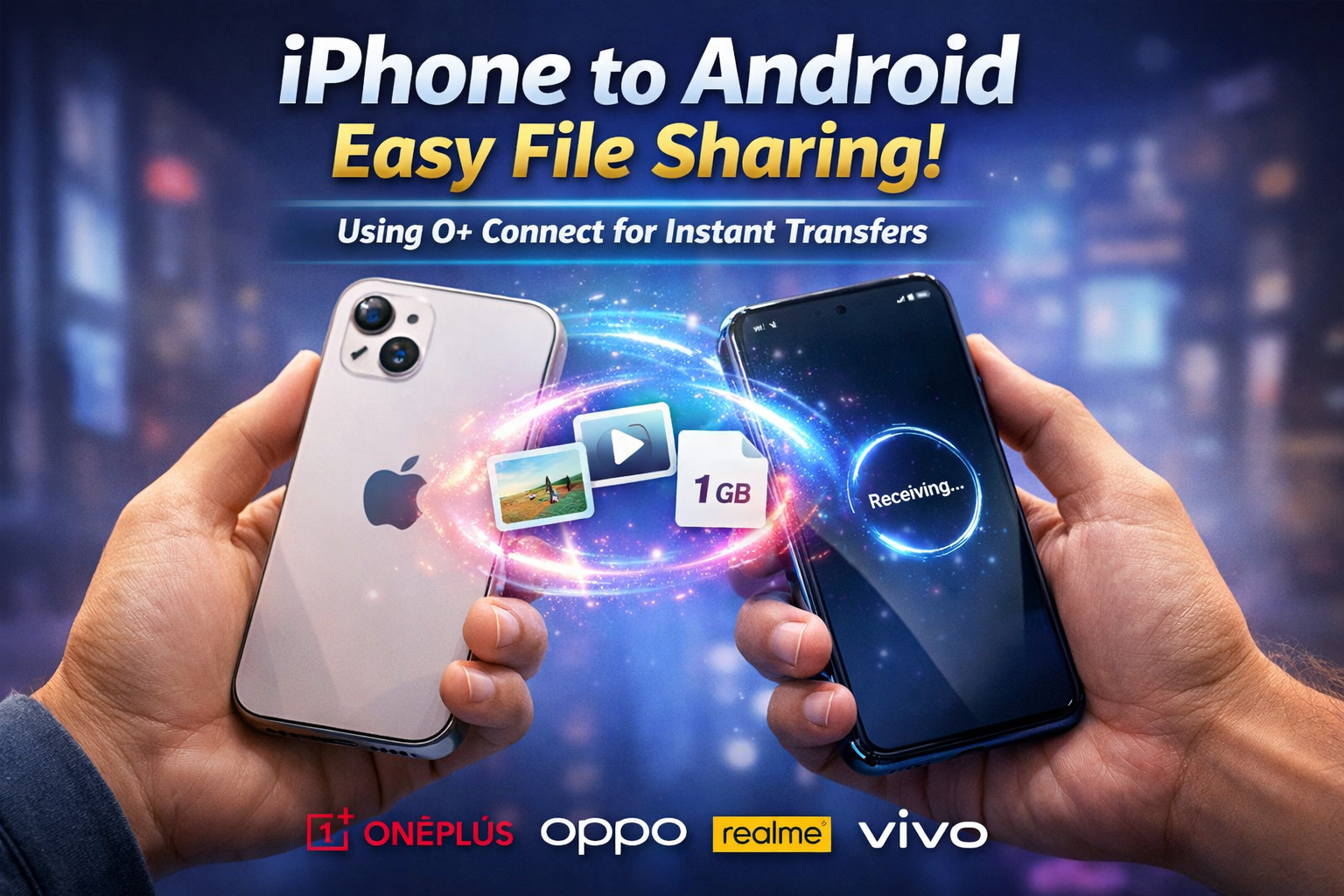
📌 The Cross-Platform File Sharing Problem
For years, transferring files between an iPhone and an Android device felt unnecessarily complicated. While Apple users enjoyed seamless sharing through AirDrop, Android users relied on different ecosystems with limited cross-platform compatibility.
If you wanted to send a large 1GB video from an iPhone to an Android phone, your options were frustrating:
- Upload to cloud storage and download again
- Use slow messaging apps that compress quality
- Depend on cables and computer transfers
- Install unreliable third-party sharing apps
All of these methods required either internet access, extra hardware, or too much time.
Now, that’s changing.
With O+ Connect, brands like OnePlus, Oppo, Realme, and Vivo are bridging the gap between iOS and Android. You can now transfer large files — up to 1GB — between devices instantly, without internet and without cables.
Let’s break down how it works and why it’s a game-changer.
🔄 What Is O+ Connect?
O+ Connect is a cross-platform file sharing solution designed to allow iPhones and compatible Android devices to communicate directly using Bluetooth-based discovery and peer-to-peer transfer technology.
Unlike traditional file transfer apps:
- No internet is required
- No cloud upload is needed
- No cables are necessary
- Transfers maintain original quality
It essentially brings an AirDrop-like experience to Android and iPhone sharing.
🛠️ What You Need Before Starting
To use O+ Connect successfully, make sure you have:
📱 1. An iPhone
Download the O+ Connect app from the App Store.
🤖 2. A Compatible Android Device
Currently supported brands include:
- OnePlus
- Oppo
- Realme
- Vivo
Support for other devices, including Pixel phones, is expanding gradually.
🔵 3. Bluetooth Enabled
Bluetooth must be turned on for both devices. This allows them to detect each other and establish a secure connection.
📂 4. Files Up to 1GB
You can transfer:
- Photos
- Videos
- Media files
- Large clips up to 1GB
No compression. No quality loss.
👣 Step-by-Step Guide: Transfer Files Instantly
Here’s exactly how to send files from iPhone to Android using O+ Connect.
✅ Step 1: Install and Open O+ Connect on iPhone
Download O+ Connect and launch the app. Grant necessary permissions like:
- Bluetooth access
- Local network access
- Photo/media access
These permissions are required to allow device detection and file transfer.
🔐 Step 2: Enable Permissions on Both Devices
On Android, make sure:
- Bluetooth is ON
- Nearby device sharing is enabled
- Required permissions are granted
Both phones must be unlocked during the process.
🔵 Step 3: Turn On Bluetooth
Bluetooth allows the devices to find each other. Once enabled:
- Keep devices close together
- Wait for them to detect one another
- You’ll see the nearby device appear automatically
📁 Step 4: Select the File
On your iPhone:
- Choose the image or video
- Tap the Share option
- Select O+ Connect
- Choose the detected Android device
✨ Step 5: Bring Devices Close Together
You’ll notice a glowing animation on both screens. This indicates:
- Secure handshake is happening
- Devices are pairing temporarily
- Transfer channel is being established
This visual feedback makes the process intuitive.
✅ Step 6: Accept the File
On the Android device:
- A prompt will appear
- Tap Accept
- The transfer begins immediately
No Wi-Fi. No mobile data. No login required.
🚀 Step 7: Instant Transfer Completed
Your file transfers at high speed, maintaining:
- Original resolution
- Full video quality
- No compression artifacts
Even a 1GB video moves smoothly without needing internet.
💡 Why O+ Connect Is a Big Deal
1️⃣ No Internet Required
Traditional methods depend on:
- Google Drive
- iCloud
These either compress files or require high-speed internet.
O+ Connect eliminates that completely.
2️⃣ Maintains Original Quality
Messaging apps reduce resolution to save bandwidth.
O+ Connect keeps:
- 4K video intact
- Full-resolution images
- Original metadata
Perfect for content creators and professionals.
3️⃣ Faster Than Cloud Transfers
Uploading 1GB to the cloud and downloading again can take 10–20 minutes depending on speed.
O+ Connect handles it directly between devices — much faster and more efficient.
4️⃣ Secure Temporary Connection
The connection is:
- Encrypted
- Temporary
- Device-specific
It disconnects automatically after transfer.
🔮 Future: Quick Share Expansion
Google’s Quick Share is also expanding cross-platform compatibility.
Currently:
- Pixel devices have limited support
- Broader Android integration is expected
- Cross-brand sharing will improve over time
This means the future of file sharing is becoming:
- Cable-free
- App-light
- Instant
- Universal
The wall between iOS and Android ecosystems is slowly disappearing.
⚙️ Tips for Best Performance
To get the fastest and smoothest transfer:
✔ Keep devices within 1–2 feet
✔ Disable battery saver mode
✔ Close heavy background apps
✔ Ensure Bluetooth is stable
✔ Keep screens unlocked
These small steps improve transfer speed and stability.
⚠️ Limitations You Should Know
While powerful, O+ Connect has some limitations:
- 1GB maximum file size per transfer
- Limited brand compatibility (for now)
- Requires app installation on iPhone
However, these are minor compared to the convenience it provides.
📊 Real-World Example
Imagine this scenario:
You recorded a 4K vacation video on your iPhone. Your friend uses a OnePlus phone and wants the original file for editing.
Previously:
- You upload to cloud
- Wait for upload
- Friend downloads
- Quality may reduce
Now:
- Open O+ Connect
- Bring phones together
- Accept
- Done in minutes
That’s it.
🧠 Why This Matters in 2026
Cross-platform collaboration is more common than ever:
- Freelancers share media
- Students exchange projects
- Gamers transfer clips
- Creators move raw footage
The demand for seamless device communication is rising.
O+ Connect represents a major shift toward open ecosystems.
🏁 Final Verdict
Cross-platform file sharing has officially entered a new era.
With O+ Connect:
- No cables
- No cloud uploads
- No internet dependency
- No quality loss
It’s fast, simple, and efficient.
While it may not fully replace AirDrop for Apple-to-Apple transfers, it finally gives iPhone and Android users a practical, reliable bridge between ecosystems.
If you frequently share media between devices, this is worth trying.
🚀 Try It Yourself
- Install O+ Connect
- Enable Bluetooth
- Bring devices together
- Transfer instantly
Simple. Fast. Effortless.
The future of file sharing isn’t limited by operating systems anymore — and that’s a big win for everyone.

Leave a Reply