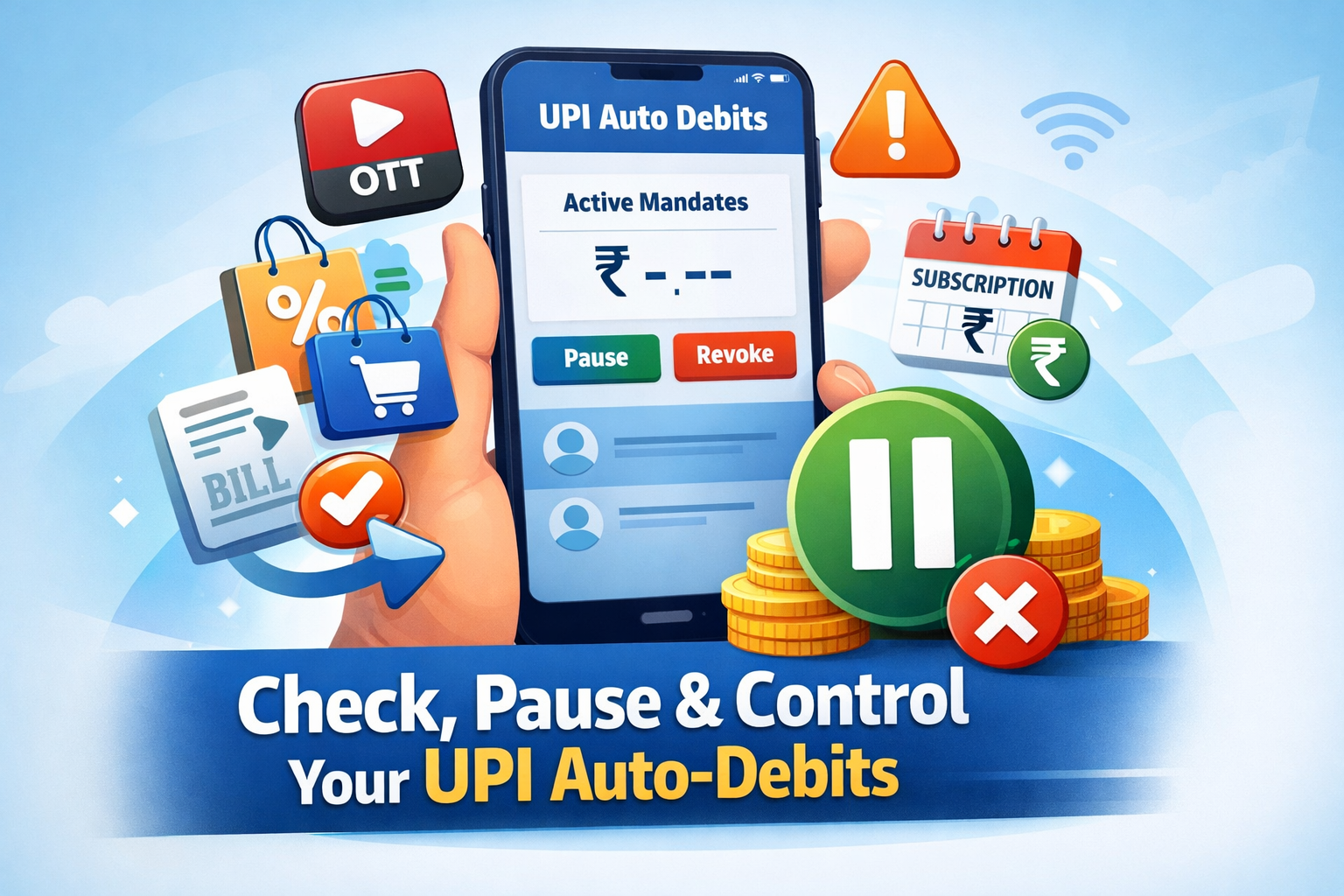
💳 Take Control of Your UPI Auto-Debits Before They Control You
Have you ever noticed money deducted from your bank account without remembering approving a payment recently? Or faced a UPI payment stuck issue where the amount was debited but not reflected properly?
In 2026, with digital payments becoming the backbone of India’s economy, UPI auto-debits (also known as UPI mandates) are widely used for subscriptions, utility bills, EMIs, and app-based services.
But here’s what most users don’t know:
There is an official platform where you can check, pause, or revoke your UPI auto-debits instantly.
And it’s not a third-party app.
It’s managed by the official body behind UPI — the National Payments Corporation of India (NPCI).
Let’s break down how this works and how you can protect your money.
🏦 What Is NPCI and Why It Matters
The National Payments Corporation of India (NPCI) is the organization that operates India’s digital payment infrastructure, including:
- Unified Payments Interface (UPI)
- RuPay cards
- IMPS
- FASTag systems
So when it comes to UPI auto-debits, NPCI maintains the official record of active mandates.
That means you don’t need to rely only on your bank app or payment app to check recurring deductions.
🔍 What Are UPI Auto-Debits (Mandates)?
UPI auto-debits are pre-approved instructions allowing merchants or services to automatically deduct money from your account at scheduled intervals.
For example:
- Monthly OTT subscriptions
- EMI payments
- Insurance premiums
- App-based recurring memberships
- Utility bill payments
When you approve a UPI mandate once, the system continues to debit automatically until you revoke it.
Many users forget about these approvals — especially if they were activated months ago.
🚨 Common Problems Users Face
Here are real issues people experience:
❌ 1. Payment Stuck but Amount Debited
Money is deducted but the service says “payment failed.”
🔄 2. Auto-Debits Continue After Subscription Cancellation
You cancel an OTT subscription but money still gets deducted.
💸 3. Unknown Recurring Charges
Small amounts deducted monthly that you barely notice.
⏳ 4. Duplicate Mandates
Same service accidentally authorized twice.
Before blaming your bank or UPI app, checking your mandates is the smartest first step.
🛠️ What You Can Do on the NPCI Portal
Using the official NPCI system, you can:
✅ View all active UPI auto-debits
⏸️ Pause a mandate temporarily
❌ Revoke auto-debit permanently
📊 Check total debited amount
🔄 Track how many times each mandate executed
This gives you full transparency over your recurring payments.
⚙️ Step-by-Step: How to Check Your UPI Auto-Debits
Step 1: Visit the Official NPCI Website
Go to the official website of the National Payments Corporation of India.
Always ensure:
- The URL is correct
- It begins with HTTPS
- It is not a phishing link
Step 2: Enter Your UPI-Linked Mobile Number
Provide the mobile number linked to your UPI account.
This must match the number registered with your bank.
Step 3: Complete Verification
You may receive:
- OTP verification
- Bank-level confirmation
- App-based authentication
Once verified, the system displays your mandates.
Step 4: Review Active Mandates
You will see:
- Merchant name
- Amount
- Frequency (monthly, weekly, etc.)
- Start date
- Status (active/paused)
- Total deductions so far
Now you’re in control.
💡 Practical Real-Life Scenarios
Let’s look at where this becomes extremely useful.
🎬 OTT Subscriptions
Services like:
- Netflix
- Amazon Prime Video
- Disney+ Hotstar
Often use auto-debits.
If you forget to cancel, payments continue silently.
Checking mandates helps you confirm if cancellation actually stopped billing.
🛒 E-Commerce Memberships
Shopping platforms may auto-renew memberships annually or monthly.
Sometimes users forget about these until renewal happens.
💡 Utility Bill Payments
Electricity and water bills set up through auto-debit ensure no late payments.
But if you switch houses or change service providers, mandates may continue unless revoked.
⚠️ Unexpected Charges
Some small trial services convert to paid subscriptions automatically.
₹99 per month might not feel big — but over 12 months, it adds up.
Mandate tracking reveals the hidden leaks.
🔐 Why This Matters in 2026
India processes billions of UPI transactions every month through the Unified Payments Interface.
As UPI grows:
- More merchants adopt auto-debits
- Subscription models increase
- Micro-recurring payments become common
Without tracking, users lose visibility.
Digital convenience must come with digital awareness.
📉 Why Payment Apps Alone Aren’t Enough
Many users rely only on:
- Bank apps
- Google Pay
- PhonePe
- Paytm
But sometimes:
- App interface doesn’t show older mandates clearly
- Revoked subscriptions still show as active
- Pending mandates remain unnoticed
NPCI’s central system gives a more authoritative overview.
📝 Important Tips Before Revoking
Before you pause or revoke a mandate:
✔ Confirm service cancellation
✔ Check if it’s tied to essential bills
✔ Avoid sudden disruption (like insurance lapse)
✔ Take screenshots for records
Revoking without checking can stop important services.
🧠 Smart Financial Habit: Monthly Mandate Audit
Just like checking bank statements, make it a habit to:
- Review auto-debits every 30–60 days
- Remove unused subscriptions
- Track rising recurring costs
- Identify duplicate charges
This can save thousands annually.
⚠️ Limitations You Should Know
- Works only for UPI-linked mobile numbers
- Joint accounts may need separate verification
- Some group payments require manual bank confirmation
- Merchant disputes may still need bank involvement
But for basic tracking and control, it’s highly effective.
💰 How This Solves “UPI Payment Stuck” Issues
If a payment appears stuck:
- Check if a mandate was created
- Verify transaction execution status
- Confirm merchant acknowledgment
- Use mandate reference ID when contacting support
This speeds up resolution significantly.
🏁 Final Thoughts: Take Control of Your Digital Money
Before blaming your bank…
Before uninstalling payment apps…
Before worrying about fraud…
Check your UPI auto-debits first.
The National Payments Corporation of India portal gives you:
- Transparency
- Control
- Instant action
- Financial clarity
In today’s digital economy, auto-debits are powerful tools — but only if you manage them properly.
🚀 Take Action Today
✔ Visit the official NPCI portal
✔ Verify your mobile number
✔ Review your active mandates
✔ Pause or revoke unnecessary auto-debits
Small financial leaks often go unnoticed.
But now, you know exactly where to look.
Take charge of your UPI payments — and manage your money smarter in 2026.

Leave a Reply