Video editing software used to come with hefty prices both in terms of hardware requirements, GPU, and even a learning curve that could take months to master.
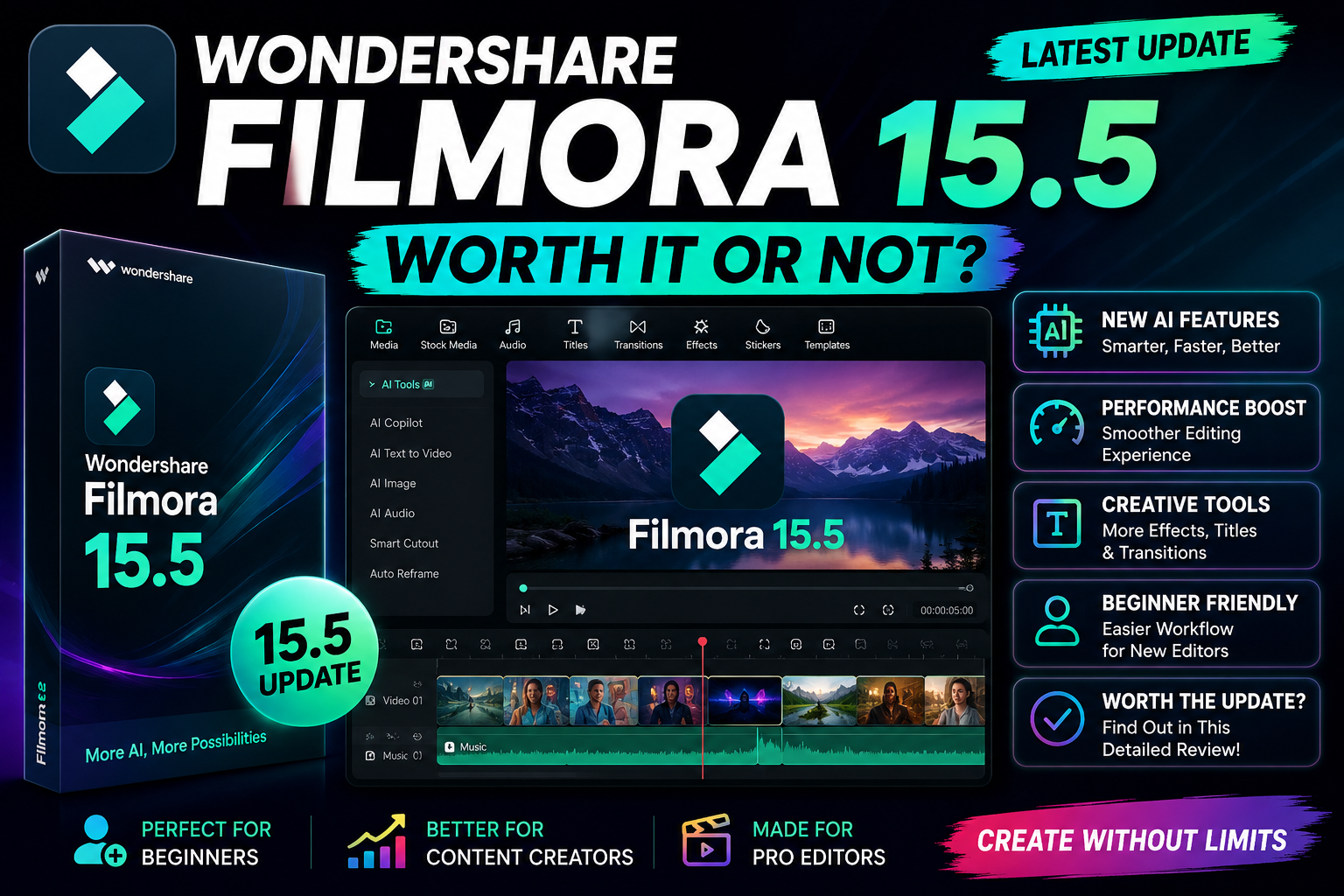
Something interesting is silently happening within the Wondershare Filmora 15.5.
The initial impression is nothing out of the ordinary. Just an upgrade in version, new icons, minor interface adjustments, some AI functions, better transitions, and not much else.
However, after a thorough evaluation of the software, many are starting to notice that Wondershare Filmora 15.5 is revolutionizing the entire video editing experience for beginners, YouTubers, short form editors, freelancers, and mid-level professionals.
What’s more interesting is that many haven’t yet realized what Wondershare is doing in secret.
The Hidden Direction Wondershare Is Moving Toward
Most people think Filmora is still “beginner software.”
This assumption may already be outdated.
As stated above, Filmora 15.5 is not anymore focusing on competing with beginners’ editing applications. It looks like Wondershare is creating something in-between drag and drop software and cinematic editors, using artificial intelligence to assist video creation and editing.
It is an overlooked strategy that many content creators are not aware of.
Instead of complicating the process with complicated editing techniques, Filmora uses artificial intelligence to automate complicated aspects of editing videos.
The outcome?
Easier editing even without much technical know-how.
This would revolutionize content creation for small creators by 2026.
The Biggest Upgrade Nobody Is Talking About
Most update reviews focus on visual features.
But the real upgrade in Filmora 15.5 is workflow acceleration.
Editors are noticing that:
- Timeline responsiveness feels faster
- Preview rendering has improved
- AI-assisted editing tools reduce manual work
- Export optimization is smoother
- Multi-layer editing feels less laggy
These changes sound small individually.
But together, they dramatically reduce editing fatigue.
For many creators, editing is not difficult because of creativity — it’s difficult because repetitive tasks waste time.
Filmora 15.5 appears designed to remove those friction points quietly.
The AI Features Are More Important Than They Look
Wondershare is heavily pushing AI inside Filmora 15.5.
However, many users still think these tools are just gimmicks.
It could be a big blunder.
Some of the features made by AI-supported include:
- Text-to-video by AI technology
- Cutout by Smart Tool
- AI Audio Editing
- AI Suggested Thumbnails
- Automatic Silence Detection
- AI Smart Scene Recognition
- Background Enhancement using AI
They haven’t been built to replace editors just yet.
However, they help save time immensely.
Short form content creators posting videos on YouTube Shorts, Instagram Reels, TikTok, etc. don’t need that cinematic experience like others.
That’s why Filmora aims for them specifically.
Filmora 15.5 Is Quietly Targeting the Creator Economy
This update feels less like traditional editing software and more like a creator production machine.
The software now seems like it’s tailored to:
- YouTube Creators
- Creators of Reels
- TikTok Editors
- Game Streamers
- Podcasters
- Tutelage Creators
- AI-Assisted Content Creation
Why does this matter? Modern creators no longer have to do one video a week.
Modern creators now do:
- Shorts
- Vertical Videos
- AI-Assisted Clips
- Social Media Uploads
- Multimedia Posts
Filmora’s new system definitely seems geared towards these trends.
And yet, many reviewers totally missed this point.
The Most Surprising Improvement: Beginner Confidence
One hidden advantage of Filmora 15.5 is psychological.
Advanced editing software is always intimidating to beginners.
Time lines, technical terms, color grading options, nodes, codec, and complicated export options could easily overwhelm beginners from the get-go.
But Filmora eliminates all those intimidations.
It is now much more assisted, guided, and automated.
As a beginner, this is where you gain something vital:
Confidence.
Because confidence is what drives your uploads.
Wondershare knows this better than anyone else in the editing world.
Is Filmora Secretly Replacing Lightweight Professional Editors?
This is where things become interesting.
For a very long time, editors were moving from entry-level programs to professional level applications such as:
- Adobe Premiere Pro
- DaVinci Resolve
- Final Cut Pro
However, Filmora 15.5 is introducing a completely new class – something in between.
The app is getting more powerful yet still user-friendly for beginners.
There is absolutely nothing like that out there.
Today, most users are looking for:
- Speed
- Ease of use
- Fast exports
- AI support
- Simple workflow
over complex movie-making capabilities.
That trend might prove deadly for many editing software companies in the next couple of years.
The Hidden Performance Upgrade Nobody Mentions
One of the quietest but most important improvements in Filmora 15.5 is hardware optimization.
Users say they get:
- Better GPU support
- Less memory used
- Smooth playback
- Faster booting
- Fewer crashes when exporting
This is important because not all amateur video makers have a high-end computer for editing.
The majority of video editors today use:
- Average laptops
- Gaming computers that aren’t new
- Office computers
- Basic video creator setups
It seems Filmora aims to make their software run better on these kinds of computers.
This is a great idea.
| Feature Innovation | Primary Benefit for Newcomers | Strategic Value for Pro Editors | Workflow Impact Score |
| Dual-Timeline Tabs | Keeps workspace clean and prevents accidental sync issues. | Allows modular construction of long-form, complex multi-cam timelines. | 9.5 / 10 (Critical Upgrade) |
| Path-Based Pen Tool | Eliminates the need to learn complex, manual keyframing. | Enables ultra-fast layout of dynamic social media graphic elements. | 9.0 / 10 (Time Saver) |
| Cloud-Based AI Extend | Fixes mistakes by generating missing frames without a reshoot. | Reduces b-roll dependency, but acts as a constant drain on AI compute credits. | 7.5 / 10 (Resource Dependent) |
| Direct CSV Charting | Easily creates professional visuals without motion graphics skills. | Speeds up the production of corporate and educational content. | 8.5 / 10 (Niche but Powerful) |
The Real Audience for Filmora 15.5
This update is not designed for Hollywood editors.
The product caters to the current internet creator.
This includes:
- Students
- Freelancers
- Unnamed YouTube creators
- AI channel owners
- Instagram editors
- Social media managers
- Newbie filmmakers
- Startup content teams
And this market is expanding rapidly across the globe.
In nations such as India, Indonesia, Brazil, and the Philippines, cost-effective editing systems are gaining importance over costly software packages.
It appears that Filmora has identified this trend before many others have.
Is Filmora 15.5 Actually Worth It?
The answer depends on what type of editor you are.
Filmora 15.5 Is Worth It If:
- You want faster editing
- You are a beginner creator
- You make YouTube Shorts/Reels
- You prefer simplicity
- You want AI-assisted workflows
- You have a mid-range PC
- You upload content consistently
It May Not Be Worth It If:
- You need advanced cinematic color grading
- You work on Hollywood-level productions
- You require deep VFX pipelines
- You need advanced collaborative editing systems
But for most internet creators in 2026, Filmora 15.5 may already be “good enough” — and that is exactly why this update matters more than people realize.

Leave a Reply