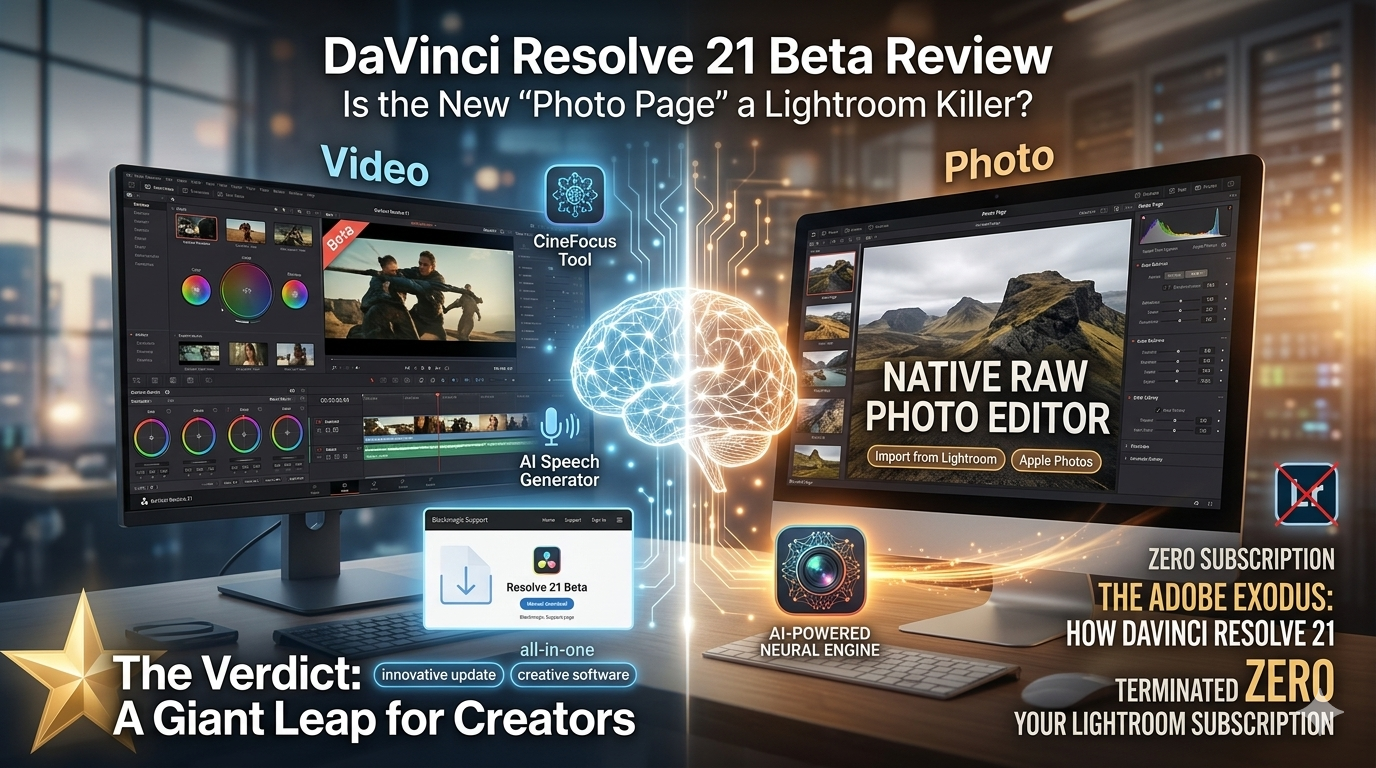
The release of DaVinci Resolve 21 Beta at NAB 2026 has sent shockwaves through the creative community. For years, creators have dreamt of a “one-app-to-rule-them-all” workflow. With version 21, Blackmagic Design isn’t just whispering about that dream—they are shouting it from the rooftops.
Currently available as a manual download from the Blackmagic Support page, Resolve 21 is an ambitious leap forward. However, because it is a Beta, it won’t land in your “check for updates” window just yet. But the real question is: should you install it today, or wait for the stable release? Let’s dive into the features that are changing the game.
📸 The Showstopper: The Dedicated Photo Page
The most significant shift in version 21 isn’t a video tool at all—it’s the Photo Page. For the first time, Resolve is stepping directly into Adobe’s backyard to challenge Lightroom. Historically, editors had to jump between apps to color-grade a thumbnail or touch up a still. Now, you can handle high-end photography workflows without leaving your timeline.
Key Highlights of the Photo Page:
- Native RAW Support: Handle heavy RAW files from Canon, Sony, Fujifilm, and Nikon with the same 32-bit floating-point processing power Resolve uses for 8K video.
- The Adobe Bridge: Effortless import options from Apple Photos and Lightroom, making the transition painless.
- 32K Resolution Support: You aren’t limited by your video timeline. Edit photos up to 400 megapixels (32K) with full GPU acceleration.
- The Hybrid Advantage: You can seamlessly move an image from the Photo Page to the Color Page. Imagine applying professional LUTs, Power Windows, or Magic Mask to your photography—the creative possibilities are massive.
🤖 The AI Revolution: More Than Just Buzzwords
Artificial Intelligence in video editing can often feel like a gimmick, but Resolve 21 introduces “Neural Engine” tools that solve real-world problems.
1. AI CineFocus Tool
This is a lifesaver for run-and-gun shooters. It allows you to simulate a rack focus on existing footage. You can literally click a new focal point, set your aperture, and watch the AI generate realistic optical bokeh. It’s fully keyframeable, allowing for focus pulls that were impossible to do on set.
2. Motion Deblur & Ultra AI Sharpen
Footage that looks “mushy” due to low shutter speeds or soft lenses can now be salvaged. Motion Deblur analyzes and re-renders footage to remove streaks, while Ultra AI Sharpen provides high-fidelity clarity for upscaled or slightly out-of-focus shots.
3. IntelliSearch & SlateID
- IntelliSearch: Instead of scrubbing through hours of footage, you can now search your Media Pool for specific faces, objects, or even keywords in the dialogue.
- SlateID: This tool automatically reads the text on your clapperboard (slate) and populates the clip’s metadata—even if the frame is dark or blurry.
🎨 Motion Graphics: Fusion Gets a Power-Up
Blackmagic is clearly targeting After Effects users. By integrating the Crocodove toolset into Fusion and adding support for Lottie animations, Resolve 21 is becoming a motion graphics powerhouse.
Lottie support is a huge win for social media editors. These lightweight, scalable animation files allow you to drag and drop complex graphics directly into your project without the massive file sizes of traditional Alpha-channel exports. Furthermore, the new Macro Editor makes it easier than ever to build your own custom effects and publish them directly to the Edit page inspector.
⚙️ Performance & “Quality of Life” Tweaks
Sometimes the biggest wins are the smallest ones. Resolve 21 fixes several “annoyances” that have bugged editors for years:
- The Mono-Audio Fix: We’ve all been there—importing a mono clip that only plays out of the left speaker. Resolve 21 now detects this and automatically plays it through both speakers without manual adjustment.
- Keyframe Mastery: The keyframe panel has received a substantial overhaul with new ease animation modes—loop, pingpong, and relative. This allows you to create repeating animations without manually duplicating keyframes.
- MultiMaster Trim Pass: For professional delivery, this allows you to produce multiple HDR and SDR trim deliverables from a single timeline, saving hours of duplication work.
⚠️ The Beta Warning: Proceed with Caution
As exciting as Resolve 21 is, remember that it is a Beta.
- Stability: Expect the occasional crash. Do not migrate an active, high-paying client project to the Beta unless you have a full database backup.
- Hardware Demands: The new AI features, especially CineFocus and Face Age Transformer, require significant GPU power. Older systems may struggle to render these in real-time.
- No Auto-Update: You must manually download this from the Blackmagic site. It will overwrite your current version of Resolve.
⭐ The Verdict: A Giant Leap for Creators
DaVinci Resolve 21 is no longer just a “color grading app” or even just a “video editor.” It is evolving into a complete Creative OS. By adding dedicated photo tools and beefing up AI-assisted VFX, Blackmagic is creating an ecosystem where you can truly consolidate your toolset.
Pros:
- Lightroom-style photo workflow is a complete game-changer for hybrid shooters.
- AI CineFocus addresses problems that previously required elite compositing skills.
- Fairlight Folder Tracks and audio improvements make complex sound design much cleaner.
Cons:
- Beta status means bugs and performance hiccups are inevitable.
- AI features are locked behind the Studio (Paid) version.

Leave a Reply